
Organize Work, Track Progress, Deliver Results
Comprehensive task management solution to assign work, monitor progress, collaborate effectively, and ensure timely completion. Boost team productivity and achieve goals with organized workflows.
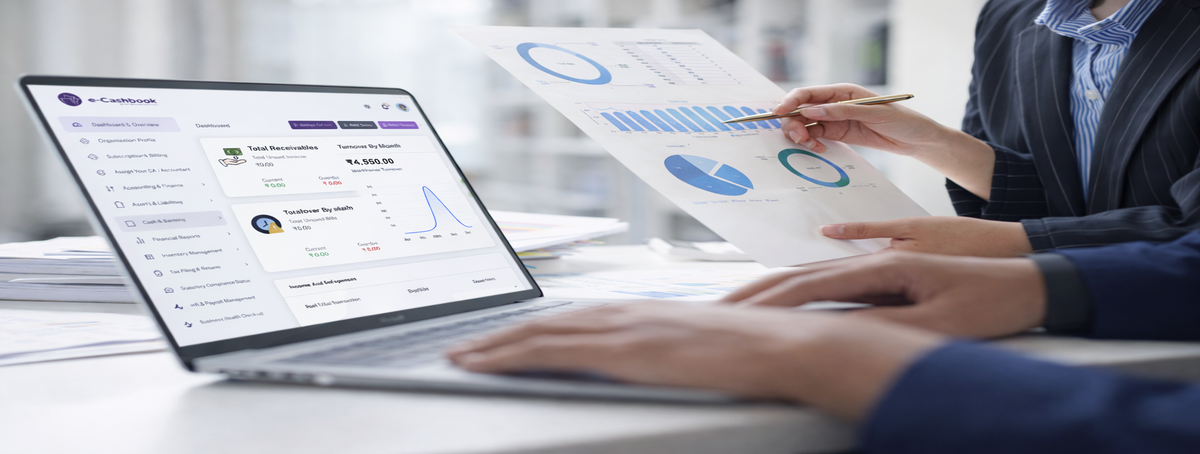
Our intelligent task management platform helps managers assign work efficiently and enables teams to organize, prioritize, and complete tasks on time. Create tasks with clear descriptions, set deadlines, assign owners, track progress, and collaborate seamlessly—all from one centralized system.
Whether you're managing daily operations, running projects, or coordinating team activities, our system provides complete visibility into who's working on what, task status, upcoming deadlines, and team workload. Increase accountability, eliminate confusion, and ensure nothing falls through the cracks.
Complete task management features for organized and productive teams
Quick task creation
Assign to individuals or teams
Set priority levels
Add descriptions & attachments
Recurring task automation
Real-time status updates
Visual progress indicators
Kanban board views
Time tracking & logging
Completion milestones
Task comments & discussions
File sharing & attachments
Deadline reminders & alerts
@mentions & notifications
Activity history logs
Experience enhanced productivity with intelligent task management
Know exactly who's responsible for what with transparent task ownership
Automated reminders ensure tasks are completed on time without delays
See all tasks, priorities, and progress at a glance with visual dashboards
Organized workflows and clear priorities help teams accomplish more
Creating and assigning tasks is simple. Click "Create Task", add a title and description, select the employee or team, set priority and deadline, attach relevant files if needed, and click assign. The employee receives instant notification and the task appears in their dashboard for immediate action.
Yes, view real-time updates on all tasks. Use Kanban boards to see tasks moving through stages (To Do, In Progress, Review, Completed), check percentage completion, view time spent, read employee updates, and monitor approaching deadlines—all updating live as employees work.
Employees access their assigned tasks from their dashboard, update status (started, in progress, blocked, completed), add comments about progress or challenges, upload work files, log time spent, and mark tasks complete when finished. Managers receive automatic notifications for all updates.
Absolutely! Create recurring tasks for routine activities like daily reports, weekly meetings, monthly audits, or quarterly reviews. Set recurrence pattern (daily, weekly, monthly), choose end date or make it ongoing, and the system automatically creates new instances, saving time on repetitive task creation.
The system sends automatic reminders before task deadlines via email, in-app notifications, or SMS. Configure reminder timing (e.g., 2 days before, 1 day before, on due date), and both assignees and managers receive alerts. Overdue tasks are highlighted in red for immediate attention.
Yes, generate comprehensive reports showing tasks completed vs pending, employee-wise task performance, average completion time, overdue task analysis, priority distribution, and workload balance. Use these insights for performance reviews, resource planning, and process improvement.
Organize tasks, track progress, and achieve goals efficiently
Get your team organized and productive today.