
Give Your Chartered Accountant Secure Access to Your Digital Cashbook
Empower your CA with controlled access to your eCashbook financial data. Share your Digital Cashbook, set permissions, collaborate in real-time, and ensure seamless accounting workflows—all within a secure, integrated platform.
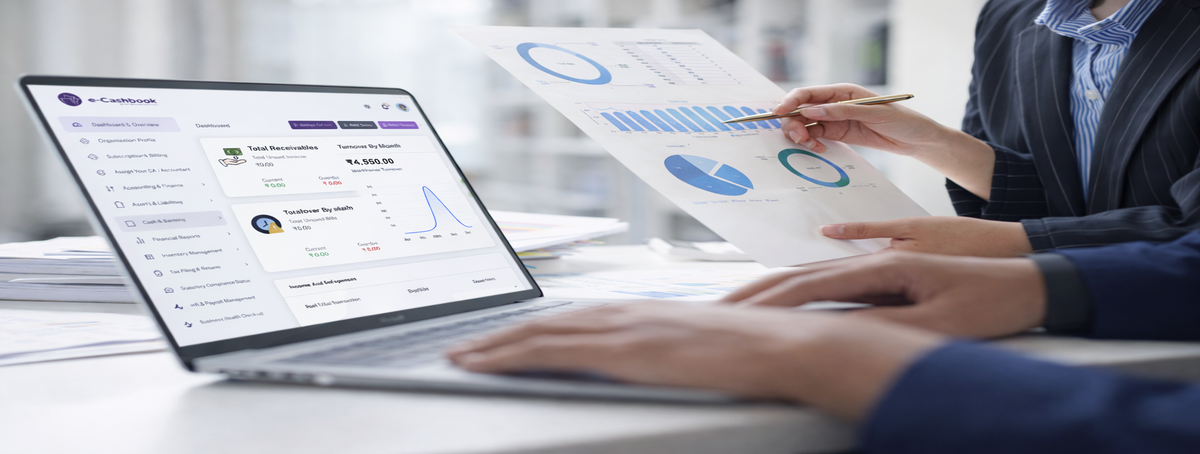
eCashbook's CA Collaboration Access enables you to securely share your Digital Cashbook data with your chartered accountant or bookkeeper. Grant role-based permissions, control what they can view or edit, and collaborate seamlessly—all within the eCashbook platform. Your CA gets real-time access to transactions, reports, and financial data without compromising security.
Whether you need your CA to review monthly books, file GST returns, or prepare audit reports, eCashbook makes collaboration effortless. Invite your accountant with a single click, set custom permissions for each module, track all activities, and revoke access anytime. Work together efficiently while maintaining complete control over your Digital Cashbook.
Everything you need to collaborate securely with your CA using eCashbook's Digital Cashbook
Invite CA via email with secure access link
Set role-based permissions (view, edit, admin)
Control module access (GST, payroll, invoices)
Track all CA activities with detailed audit logs
Revoke or modify access permissions anytime
Share complete cashbook transactions in real-time
Give access to invoices, bills, and expense records
Share bank statements & reconciliation data
Provide access to financial reports & summaries
Enable document uploads & receipt attachments
In-app messaging for quick queries & clarifications
Add comments and notes on transactions or entries
Request clarifications or approvals directly in-app
Receive notifications for CA actions and updates
Export & share reports in multiple formats (PDF, Excel)
Why businesses choose eCashbook for CA collaboration and Digital Cashbook access
Grant your CA precise permissions to your Digital Cashbook data with complete control
Your CA works directly in eCashbook with full access to your Digital Cashbook data
Bank-level security with encrypted access, activity logs, and instant revocation
Your CA sees live updates instantly as you record transactions in your cashbook
Simply navigate to the Settings section in your eCashbook dashboard and send an invitation to your CA via email. They'll receive a secure link to access your Digital Cashbook. You can set their permissions before sending the invite, choosing what modules they can view or edit. The entire setup takes less than 2 minutes.
You have full control over what your CA can access in your Digital Cashbook. Choose from View-Only (read financial data and reports only), Edit Access (make entries, corrections, and reconciliations), or Module-Specific Access (restrict to GST only, Payroll only, or Invoicing only). You can modify these permissions anytime from your dashboard.
Yes, if you grant Edit Access permissions. Your CA can add transactions, make corrections, reconcile bank statements, and prepare financial reports directly in eCashbook. All changes are tracked with timestamps and user identification, so you can see exactly who made what changes. You maintain full control and can switch to View-Only access anytime.
Yes! eCashbook provides real-time synchronization. As soon as you record a transaction, invoice, or expense in your Digital Cashbook, your CA sees it instantly on their dashboard. Similarly, if they make any changes or add entries, you'll see those updates immediately. This ensures both parties always work with the most current data.
Yes! eCashbook includes built-in messaging and commenting features. You can ask questions, request clarifications, and get advice directly within the platform. Add comments on specific transactions or entries for context-specific communication. Both parties receive instant notifications for messages and comments, making collaboration seamless and efficient.
Absolutely! eCashbook uses bank-level encryption (256-bit SSL) to protect all your data during transmission and storage. Your CA can only access the specific modules and data you authorize. All activities are logged with detailed audit trails showing who accessed what and when. You can revoke access instantly at any time from your dashboard with a single click.
Give your accountant secure access to your Digital Cashbook and streamline your financial management
Set up CA collaboration in minutes and work together seamlessly.